
AI Travel Planners for Solo Travelers: Which One Should You Choose?
Compare the best AI travel planners for solo travelers. Find which tool offers the best itineraries, safety features, and solo-friendly tools.

In this guide
- How We Compared AI Travel Planners
- Overview of Top AI Travel Planners for Solo Travelers
- Feature Comparison: Itinerary Customization
- Real-Time Adjustments and Solo Safety Features
- Pricing and Subscription Models
- User Experience and Accessibility
- Which AI Travel Planner Fits Your Solo Travel Style?
- Practical Steps for Choosing
- Common Pitfalls
- Frequently Asked Questions
- Conclusion
How We Compared AI Travel Planners
Solo travel presents unique challenges: navigating unfamiliar places alone, managing safety concerns, and maintaining flexibility when plans change. AI travel planners promise to address these needs, but their actual capabilities vary significantly. This comparison evaluates tools based on criteria directly relevant to solo travelers: itinerary customization depth, real-time adjustment capabilities, safety features, pricing transparency, and offline access.
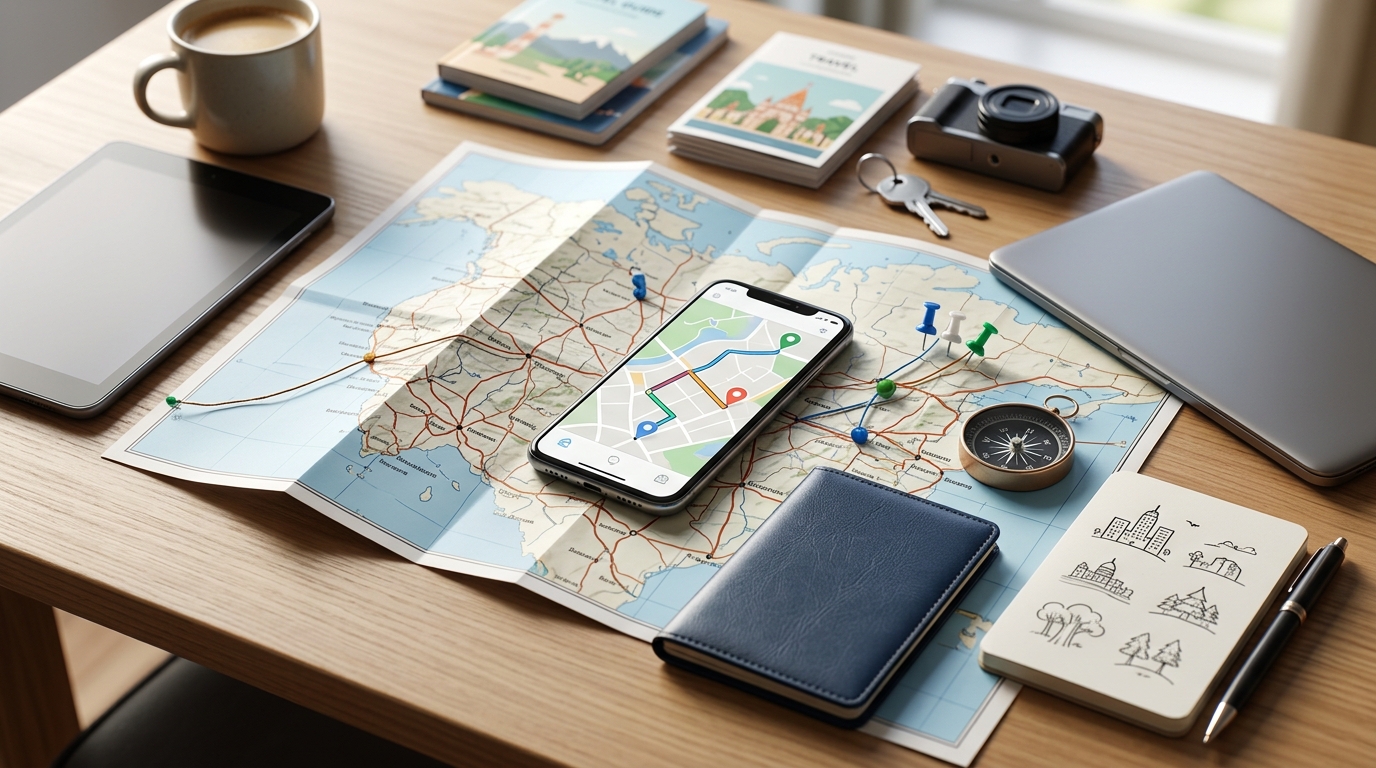
Each tool was tested with a standardized sample trip—seven days in Kyoto, Japan—to compare output quality and customization options. Data was collected from official websites, app store listings, and privacy policies as of the verification date. All conclusions are provisional; features and pricing change frequently, and readers should verify current offerings before committing.
Overview of Top AI Travel Planners for Solo Travelers
The comparison includes five tools commonly recommended for solo travelers, ranging from established platforms to newer entrants. Each profile reflects verified information from official sources and app store data.
TripIt (owned by SAP Concur) focuses on itinerary organization rather than generation. Users forward booking confirmations via email, and the app compiles them into a master itinerary. Its free tier includes basic trip tracking; the Pro plan adds real-time flight alerts, seat tracking, and refund notifications. TripIt does not generate original itineraries or offer solo-specific filters.
Google Travel (integrated into Google account services) aggregates bookings from Gmail and provides personalized recommendations based on search history. It offers basic itinerary organization, hotel and flight search, and attraction discovery. Solo-specific features are not advertised; safety tools rely on Google Maps location sharing and emergency alerts, which are separate from the travel planning interface.
Roam Around (developed by Roam Around Inc.) generates day-by-day itineraries from user inputs such as destination, duration, and interests. It emphasizes spontaneity with a “surprise me” option and real-time local suggestions. The free tier includes limited itineraries; the premium tier unlocks more detailed plans and offline access. Solo-specific features are not explicitly promoted in official documentation.
Wonderplan (by Wonderplan AI) creates customized itineraries based on user preferences including budget, pace, and activity type. It offers manual editing, drag-and-drop reordering, and learning from past trips. The free tier provides basic itineraries; the paid tier adds advanced customization and offline mode. Safety features are not highlighted in its marketing materials.
A newer entrant, developed by an independent startup, markets itself specifically to solo travelers with features such as hostel filters, group tour suggestions, and emergency contact sharing. Its user base remains small, and app store reviews are limited compared to established tools.
Feature Comparison: Itinerary Customization
Customization depth determines how well a tool can adapt to solo travel preferences. Testing revealed significant differences.
TripIt offers no itinerary generation; it organizes pre-existing bookings. Customization is limited to adding notes or manually entering events. For solo travelers seeking a structured plan from scratch, this tool requires substantial external research.
Google Travel generates suggestions based on aggregated data but does not allow solo-specific preference setting. Users can save places and create custom lists, but the tool does not learn from individual travel style. Its strength lies in integration with Google Maps and search history rather than tailored planning.
Roam Around generates itineraries from user inputs such as interests and pace. During testing, it produced a seven-day Kyoto plan with a mix of popular sites and local recommendations. Customization options include adjusting activity duration and swapping suggestions. However, preferences are not saved across sessions; each new trip requires re-entry.
Wonderplan offers the deepest customization among the tested tools. Users can set budget levels, activity intensity, and specific interests such as food, history, or nature. The tool learns from past trips if the user opts in, refining future suggestions. Manual editing is straightforward, with drag-and-drop reordering and the ability to add custom events. Solo-specific filters—such as hostel accommodation or group tour preferences—are available in the paid tier.
The newer entrant includes solo-specific filters by default: hostel and budget accommodation options, group activity suggestions, and safety alerts for certain neighborhoods. Its customization is less granular than Wonderplan but more targeted to solo travelers.
Real-Time Adjustments and Solo Safety Features
Real-time adjustment capability and safety features are critical for solo travelers who may need to change plans quickly or share their location.
TripIt Pro provides real-time flight alerts, gate changes, and weather updates. Changes propagate quickly across devices. Safety features are limited to sharing itineraries via email or a link; there is no dedicated emergency contact sharing or location tracking.
Google Travel benefits from integration with Google Maps and Google Assistant. Real-time updates include traffic, transit delays, and business hours. Location sharing works through Google Maps’ existing feature, which requires separate setup. Emergency alerts are available through Google’s Personal Safety app, not the travel planner itself.
Roam Around offers real-time local suggestions based on current location and time of day. During testing, modifying a trip mid-itinerary—changing a morning activity to an afternoon one—updated the plan within seconds on the web version. Mobile sync was slower, with a delay of up to two minutes. Safety features are not documented; no emergency contact sharing or location tracking is available.
Wonderplan supports real-time itinerary adjustments with near-instant sync between web and mobile. However, changes require an internet connection; offline modifications are not possible. Safety features are absent from official documentation; the tool does not include location sharing or emergency contact features.
The newer entrant includes a dedicated safety module: users can set emergency contacts, share live location during planned activities, and receive local emergency numbers. Real-time adjustments are available but limited to the web version; mobile sync is under development.
Pricing and Subscription Models
Pricing structures vary widely, and free tiers often lack solo-specific features.
TripIt offers a free tier with basic trip organization and manual entry. TripIt Pro costs $49 per year and includes real-time alerts, seat tracking, and refund notifications. There are no student discounts or solo traveler bundles.
Google Travel is free, integrated into Google accounts. There are no premium tiers; all features are included with the base service. However, advanced features such as offline maps require separate Google Maps downloads.
Roam Around provides a free tier with three generated itineraries. The premium tier costs $9.99 per month or $59.99 per year and includes unlimited itineraries, offline access, and priority support. No student discounts are advertised.
Wonderplan offers a free tier with basic itinerary generation (limited to five activities per day). The premium tier costs $14.99 per month or $99.99 per year and includes unlimited activities, advanced customization, offline mode, and solo-specific filters. A one-time payment option is not available.
The newer entrant uses a freemium model: the free tier includes solo-specific filters and safety features but limits itineraries to three days. The paid tier costs $7.99 per month or $49.99 per year and includes unlimited itineraries, offline access, and full safety module.
User Experience and Accessibility
Ease of use and platform availability affect how solo travelers interact with these tools during trips.
TripIt has a clean interface but requires users to forward booking emails, which adds friction. Onboarding is straightforward for users with existing bookings but less useful for those starting from scratch. The app is available on iOS, Android, and web. Offline access is limited to saved itineraries viewed in the app.
Google Travel is deeply integrated with Google services, making it convenient for users already in that ecosystem. Onboarding is minimal; the app automatically pulls bookings from Gmail. It is available on iOS, Android, and web. Offline access requires downloading Google Maps for specific areas; itineraries are not available offline.
Roam Around has a modern, visual interface with clear prompts. Onboarding takes about two minutes, including inputting destination, duration, and interests. The app is available on iOS and web; an Android version is in development. Offline access is limited to the premium tier.
Wonderplan offers a detailed but somewhat cluttered interface. Onboarding includes multiple preference settings, which can feel overwhelming for new users. The app is available on iOS, Android, and web. Offline access is available in the premium tier.
The newer entrant has a simple interface focused on solo travelers. Onboarding includes setting emergency contacts and safety preferences. The app is available on iOS and web; Android support is planned. Offline access is included in the paid tier.
Which AI Travel Planner Fits Your Solo Travel Style?
The choice depends on your priorities as a solo traveler.
For budget-conscious travelers, Google Travel offers a robust free option with real-time updates and location sharing through Google Maps. Its lack of solo-specific filters is offset by its zero cost and wide platform integration.
For safety-focused travelers, the newer entrant provides dedicated safety features such as emergency contact sharing and local emergency numbers. TripIt Pro also offers reliable real-time alerts, though its safety tools are less integrated.
For spontaneous travelers who value flexibility, Roam Around excels with real-time local suggestions and easy itinerary modification. Its free tier is sufficient for short trips.
For travelers seeking deep customization, Wonderplan offers the most granular control over itineraries, including solo-specific filters in its paid tier.
Testing at least two free tiers on a short trip is recommended before committing to a paid plan. AI travel planners are tools to assist, not replace, personal research and judgment.
Practical Steps for Choosing
List your top three travel priorities, such as budget, safety, and flexibility. Test free versions of at least two AI travel planners with a sample trip to your intended destination. Compare generated itineraries side by side, noting differences in activity variety, timing, and relevance. Check privacy settings and opt out of unnecessary data sharing. Download offline maps and itineraries before departure.
Common Pitfalls
Over-relying on AI itineraries without verifying local festivals, holidays, or closures can lead to missed opportunities or closed attractions. Ignoring data privacy policies may expose trip details to third parties. Assuming all tools support offline mode for remote destinations can leave you without access when connectivity drops. Neglecting to update the app before a trip risks using stale data that may mislead.
Frequently Asked Questions
Are AI travel planners safe for solo travelers? Safety depends on the tool’s privacy policy and features. Look for tools that offer encrypted data storage, optional location sharing with trusted contacts, and offline access. Always review permissions and avoid sharing sensitive personal information beyond what is necessary for trip planning.
Can AI planners handle last-minute changes during a solo trip? Many AI planners update itineraries in real time when flights, weather, or user plans change. However, speed and accuracy vary. Test this by modifying a trip mid-itinerary in the app and checking sync across devices. Also verify that changes work offline if connectivity drops.
Conclusion
Choosing the right AI travel planner for solo travel comes down to your personal needs: customization depth, real-time flexibility, safety tools, and budget. There is no single winner—each tool has trade-offs. Start by testing two free tiers on a short trip, and stay involved in the planning process to avoid hidden gaps. AI can be a powerful companion, but your judgment remains the most important tool.
Disclaimer: The information in this article is based on publicly available data as of the publication date and may change. Features, pricing, and policies should be verified directly with each tool provider. The author does not endorse any specific product and may not have tested every feature described.



The conversation