
What to Include in an Offline Travel Itinerary Backup: A Solo Traveler’s Checklist
Essential checklist for creating an offline travel itinerary backup. Solo travelers: secure documents, maps, contacts, and more without internet.
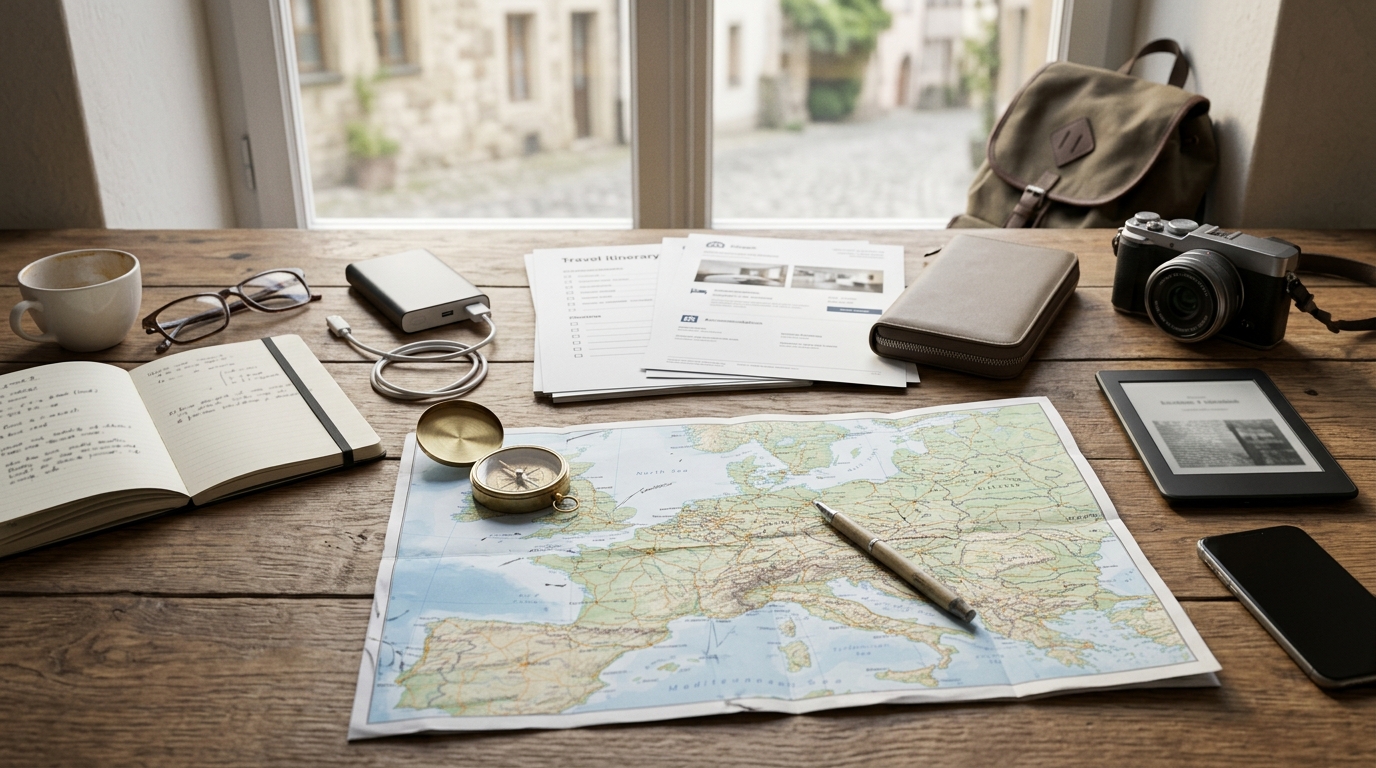
In this guide
When you travel solo, your smartphone and cloud storage are lifelines—until the battery dies, Wi-Fi drops, or a network goes dark. An offline travel itinerary backup ensures you still have your flight numbers, hotel addresses, emergency contacts, and maps when you need them most. This checklist covers what to pack in your physical and digital backup, how to organize it, and the common mistakes that can leave you stranded. A reliable offline itinerary backup combines printed copies, USB drives, and offline-capable apps. Solo travelers should include: flight and accommodation confirmations, passport copies, insurance details, emergency contacts, offline maps, and a daily schedule. Store backups in multiple locations (e.g., bag, money belt, email draft). Update the backup each time plans change. Verify entry rules and safety conditions before departure, as these can change rapidly.

1. Essential Documents and Confirmations
The core of any offline backup is the set of documents that prove who you are, where you are staying, and what you have booked. Without these, a lost phone or stolen bag can turn a minor hiccup into a major crisis.
Start with flight e-tickets and boarding passes. Save them as PDFs on your devices and print a copy for each leg. Do the same for hotel and accommodation confirmations, making sure the printed version includes the full address, check-in instructions, and any access codes. Your travel insurance policy details are equally critical: print the summary page that lists your policy number, coverage limits, and the 24/7 emergency contact number. Verify that number directly from your insurer before departure, as it can differ from the general customer service line.
Passport and visa copies belong in every backup. Photocopy the photo page and any visa stickers or stamps. If you plan to rent a car, include a copy of your international driver’s permit. Also make copies of the front and back of each credit and debit card you carry, along with the bank’s emergency contact numbers for lost or stolen cards. Keep these copies separate from the cards themselves.
Cautions: Do not store all copies in one bag. Split them between your main luggage, daypack, and a money belt. If you store digital copies, encrypt them or password-protect the files to prevent identity theft if a device is lost. Visa requirements can change without notice; always check the official embassy website for your destination shortly before travel.
2. Emergency Contacts and Personal Information
Even with a charged phone, you may not have cellular service or internet access. A printed list of emergency contacts ensures you can reach help or be reached by others.
For each country you visit, write down the local emergency numbers for police, ambulance, and fire. These numbers are not universal—112 works across Europe, 911 in the US and Canada, but other countries use different digits. Verify the correct numbers from an official government or tourism site. Next, include the address and phone number of your home country’s embassy or consulate in each city you plan to stay. Confirm these details from the embassy’s official website before you go.
Designate a trusted contact back home and give them a copy of your full itinerary. In your own backup, include their name, phone number, and email. You should also carry a card with your own medical information: blood type, allergies, chronic conditions, and any prescription medications you take. Write the generic names and dosages of your medications, and if possible, have a doctor’s note translated into the local language.
Cautions: Write emergency contacts on a physical card you keep in your wallet, not just in your phone. If you have a medical condition, carry a note in both English and the local language. Embassy contact details can change, so verify them from official government sources shortly before departure.
3. Offline Maps and Navigation Aids
When GPS or data roaming fails, you still need to find your way. Offline maps and printed directions prevent you from getting stranded in an unfamiliar city.
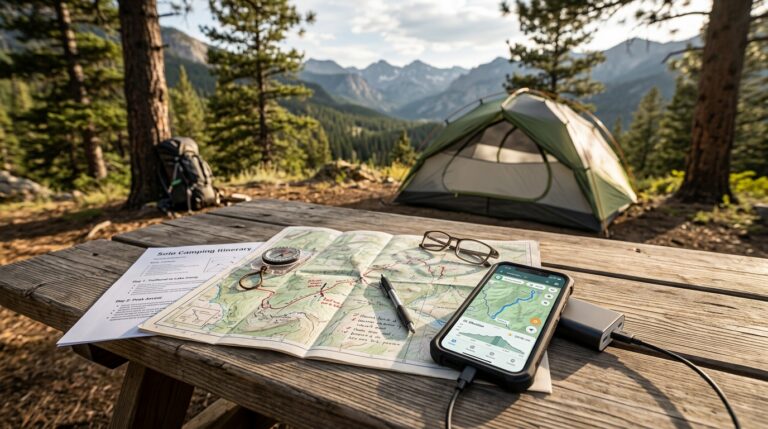
Download offline maps of your entire route using apps such as Google Maps or Maps.me. Google Maps allows you to select a region and download it for offline use; Maps.me stores full country maps. Ensure you download these maps fresh before you leave home or whenever you have reliable Wi-Fi. Some apps require periodic online check-ins to keep maps active—check the app’s policy before you rely on it. In addition to maps, take screenshots of key walking or driving directions between your accommodation, major attractions, and transport hubs. Print a simple city map with your hotel and a few landmarks marked.
For public transport, note down the relevant bus numbers, metro lines, and their schedules in a small notebook. Transport timetables can change seasonally, so verify current schedules from the official transit website before you depart.
Cautions: Do not rely solely on one app. Have a paper map as a fallback. Offline maps do not show real-time traffic or temporary road closures, so plan alternative routes and allow extra time.
4. Daily Itinerary and Reservations
A clear day-by-day plan keeps you on track and helps you adapt when things go wrong. Your backup should include a printed or saved PDF of your full itinerary with dates, times, and confirmation numbers.
Include reservation details for tours, tickets, or restaurant bookings, along with cancellation policies. Some tours require you to reconfirm 24 hours in advance; note the contact method for that. Also list backup activities or free options for each day in case a plan falls through. Time zone differences and any daylight saving changes that affect your schedule should be written down—especially if you cross multiple time zones.
Cautions: Avoid over-scheduling. Leave buffer time for delays and spontaneous exploration. If you change plans, update your backup immediately, especially if you share the itinerary with a contact back home. Ticket prices and opening hours for attractions can change; verify current rates and hours before you go.
5. Digital Storage Tools and Security
Digital backups are only useful if you can access them without internet. Choose tools that allow offline access and protect your data with encryption.
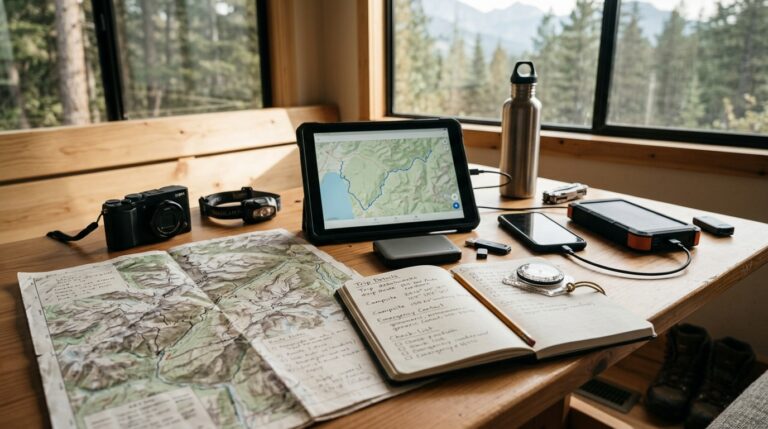
Use an encrypted USB drive or external SSD for a full copy of your documents. Store a second copy in a secure cloud service such as Google Drive or Dropbox with offline access enabled. Before leaving, test that the files are actually available when you turn off Wi-Fi and data. You can also save a password-protected ZIP file of all documents and email it to yourself as a third backup. Keep a small printed cheat sheet with login credentials for critical accounts, but store it in a password manager rather than on paper.
Cautions: Never store passwords for financial accounts in the same place as the documents they protect. If you lose a USB drive, the data could be compromised; use hardware encryption or a separate encrypted partition. Cloud services’ offline access policies vary—verify that your chosen service allows full file access without an internet connection.
6. Physical Backup Kit and Organization
A compact physical kit ensures you have the most critical information at hand even if all electronics fail. Assemble a small waterproof pouch or document holder that fits in your daypack or money belt.
Inside, place printed copies of your passport, insurance card, and the first night’s accommodation confirmation. Add a laminated card with emergency contacts and key phrases in the local language—verify these phrases with a native speaker or reliable translation service. Include a mini notebook and pen for writing down new information or directions, as well as a few spare passport photos and a small amount of local currency for emergencies. Currency exchange rates fluctuate, so check current rates before departure.
Cautions: Keep the physical backup separate from your main electronics to avoid losing everything at once. Do not laminate documents that need frequent updates; use a clear plastic sleeve instead so you can swap pages easily.
Conclusion
An offline travel itinerary backup is not just a precaution—it’s a solo traveler’s safety net. By including essential documents, emergency contacts, offline maps, a daily schedule, and secure digital storage, you can navigate confidently even when technology fails. Remember to verify time-sensitive details like visa rules and opening hours before departure, and update your backup whenever plans change. With this checklist, you’ll be prepared for the unexpected and free to enjoy your journey.
Travel regulations, visa policies, and safety conditions can change rapidly. Always consult official government sources (e.g., State Department, Foreign Office) and your airline/hotel before departure. Prices, opening hours, and transport schedules are subject to change; verify current details at the time of travel.


The conversation